Redact Pro
An editor for hiding private details in screen recordings.
Redact Pro lets me cover sensitive information in tutorial recordings, inspect the result, and return it to my editing workflow.
The project
Hide private details before a tutorial is published.
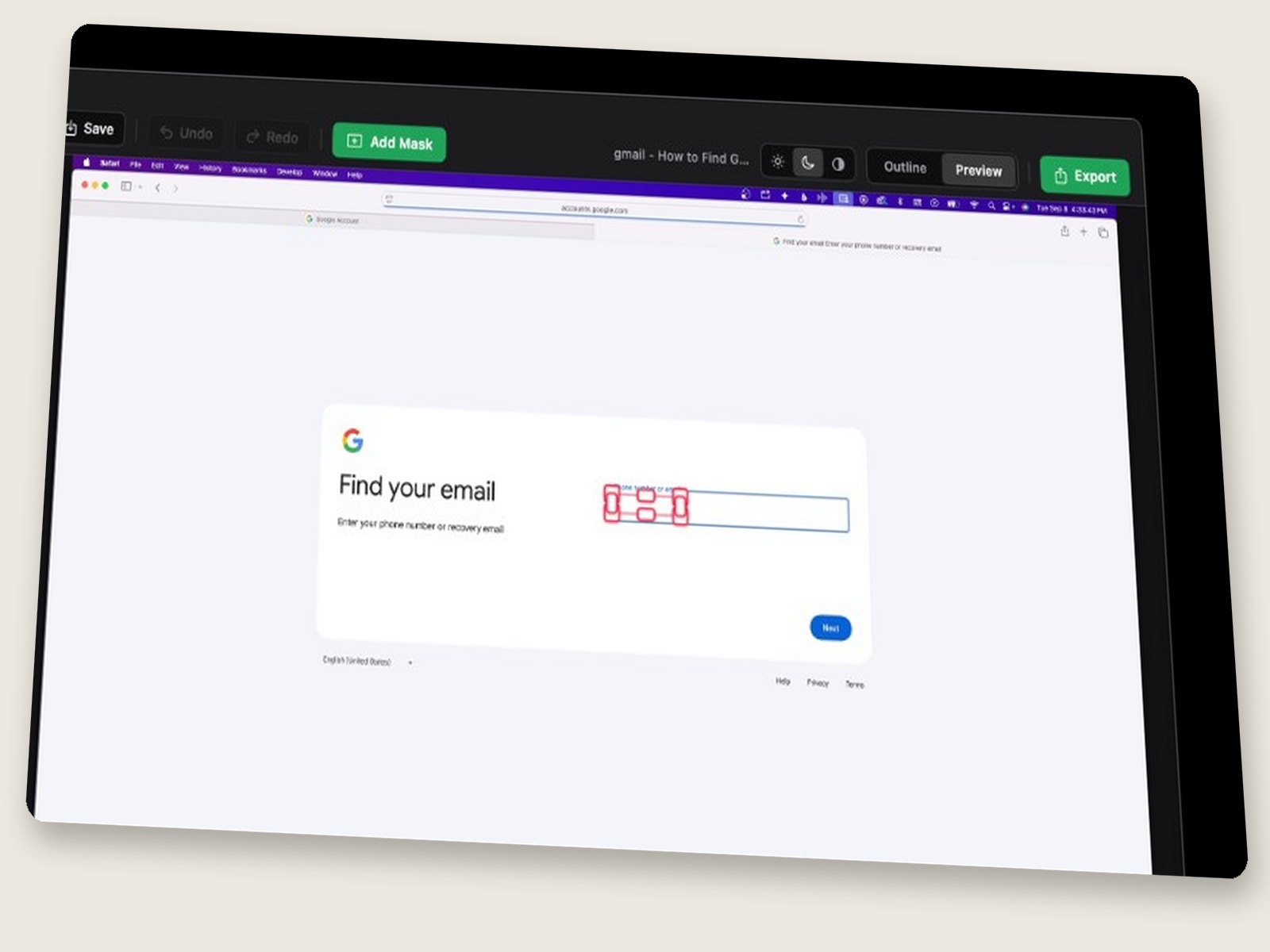
Redact Pro is an internal Mac app for covering private information in my screen recordings. When I teach software, a recording can capture details that should not appear in the published video. Removing those details is called redaction.
I record with Screen Studio, a screen-recording and editing app. Redact Pro opens that recording project so I can place and adjust masks: areas that cover parts of the picture. It saves an edited result back into the project while retaining the original recording.
- Open the recording. Load a Screen Studio project and review areas that need attention.
- Cover and inspect. Add or adjust masks, then check them against the video as it plays.
- Return to editing. Write the redacted result back into the project and continue the tutorial workflow.
The app grew out of a production problem: automatic detection kept missing sensitive text during movement and animation. I needed a practical way to correct those misses and finish recordings.
My role
Turning failed attempts into a more useful brief.
I defined the workflow, designed the editing interactions, and directed development with AI coding agents. I tested the results against my own recordings and changed the requirements when the output was not usable.
The central judgment was deciding what to expect from automation. I had tried repeated approaches to finding and covering sensitive text. When those attempts still left visible fragments, improving detection alone was no longer enough. I needed direct control over the correction.
How I built it
From automatic detection to an editable Mac app.
The work developed through several iterations. In July 2026, I was asking for masks that could move over time and for a project both a person and an AI agent could edit. In August, with recordings waiting to be finished, I narrowed one version to the essential manual-masking workflow.
The native Mac editor was built with Apple’s interface and video frameworks. A companion command-line tool lets an agent prepare work without clicking through the app. Both use the same saved project and redaction engine, so proposed masks can remain editable when I open the visual editor.
That shared foundation connected preparation, human review, and export. It also made the product’s limits clearer: scans can point me toward a problem, but I still need to inspect whether the mask actually covers it.
Decision 01
Keep automatic work correctable.
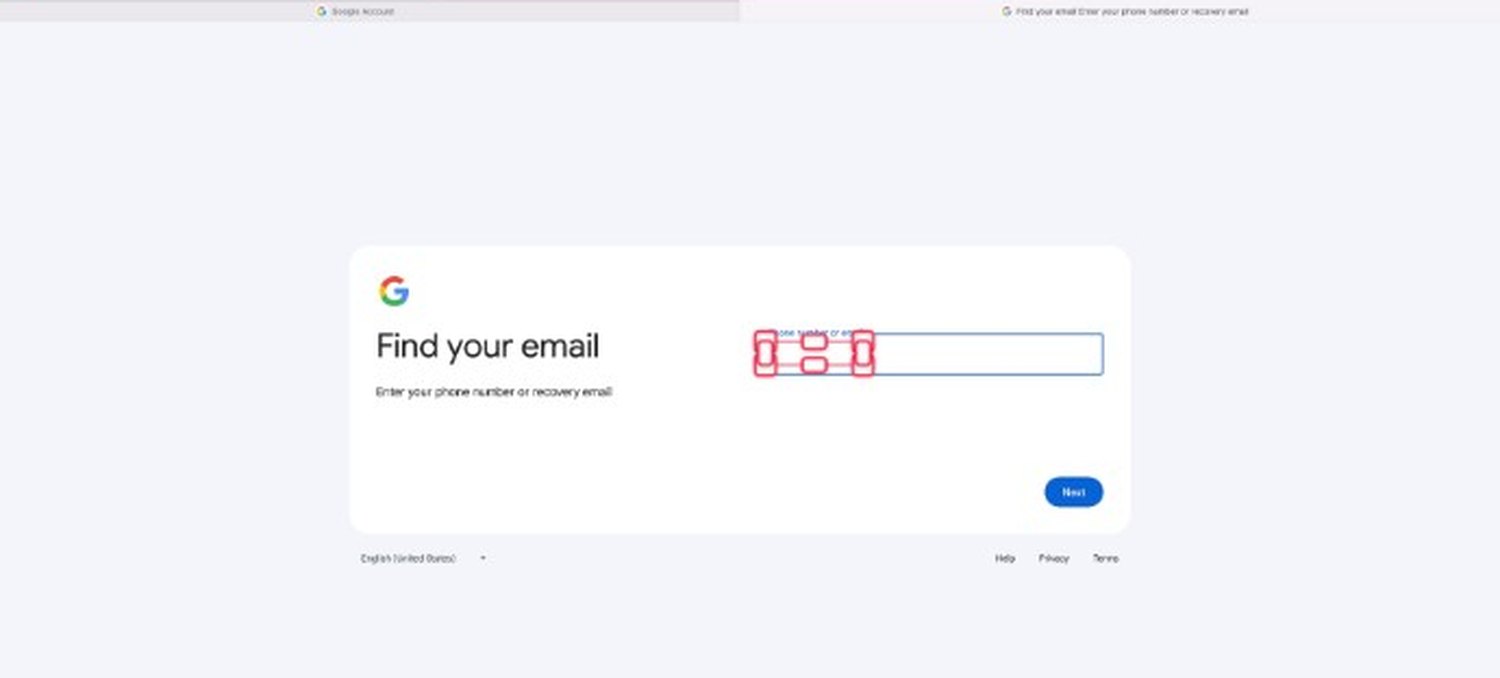
Text can move, animate, or become partly hidden behind another window. Automatic attempts missed details in those situations. A completed-looking video was not useful if I could still see information that should have been covered.
I shifted the goal toward a useful starting point with manual controls. Scans and alerts could identify places to review; I could place, resize, and correct the masks. That reduced the promise of the automation while giving me a way to finish the job.
Decision 02
Treat timing as part of every mask.
Covering the right rectangle in one frame is not enough. A mask has to stay over the sensitive area for the relevant part of the recording. If the area moves, the cover must move with it or be adjusted.
I explored timeline controls and keyframes: points in time where a mask’s position or size is specified. I also tested a simpler manual version when the larger approach was holding up production. These were different iterations, with a tradeoff between more precise control and a smaller tool I could put to use.
Decision 03
Preserve both the original and my corrections.
There were two things an automated step could accidentally undo: the source recording and a mask I had already checked. I made preserving them part of the workflow. The original remains available, and I explicitly required agent work to retain approved manual masks.
Saving editable masks alongside the project gives me a way to revisit a decision. Writing the result back into Screen Studio keeps the task inside the editing process I already use. If an export or correction needs another pass, I have a route back.
Result & reflection
A working editor with a clear human review step.
The result is an internal Mac editor and companion tool for preparing, inspecting, and editing redaction masks. It fits into my existing screen-recording workflow and retains the source for further work. It does not guarantee that every sensitive detail will be found.
The most useful change was making correction a core part of the product. Automation could help prepare the work, and a person needed enough control to judge and finish it. That became the basis for deciding what to build next.